
Instalando Rundeck no Rocky Linux
Dica publicada em Linux / Miscelânea

Instalando Rundeck no Rocky Linux
Instalação rápida do Rundeck no Rocky Linux.
Primeiro adicione o repo do Rundeck:
# vim /etc/yum.repos.d/rundeck.repo
Salve o arquivo e instale:
# dnf install rundeck -y
Ajuste o arquivo de configuração /etc/rundeck/rundeck-config.properties alterando a linha:
grails.serverURL=http://localhost:4440
para:
Salve o arquivo.
Ative na inicialização e inicie o serviço:
# systemctl enable --now rundeckd
Ajuste as regras de firewall
# firewall-cmd --add-port=4440/tcp --permanent
# firewall-cmd --reload
e agora acesse via browser
http://<ip ou nome >:4440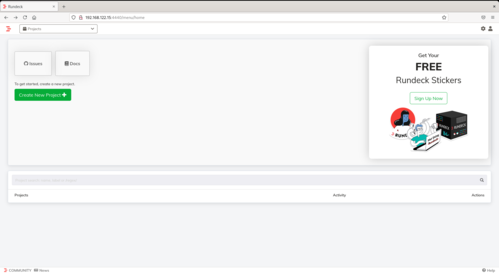 Guia de referência: Installing on CentOS or Red Hat Linux distributions | Rundeck Docs
Primeiro adicione o repo do Rundeck:
# vim /etc/yum.repos.d/rundeck.repo
[rundeck]
name=rundeck
baseurl=https://packages.rundeck.com/pagerduty/rundeck/rpm_any/rpm_any/$basearch
repo_gpgcheck=1
gpgcheck=0
enabled=1
gpgkey=https://packages.rundeck.com/pagerduty/rundeck/gpgkey
sslverify=1
sslcacert=/etc/pki/tls/certs/ca-bundle.crt
metadata_expire=300
name=rundeck
baseurl=https://packages.rundeck.com/pagerduty/rundeck/rpm_any/rpm_any/$basearch
repo_gpgcheck=1
gpgcheck=0
enabled=1
gpgkey=https://packages.rundeck.com/pagerduty/rundeck/gpgkey
sslverify=1
sslcacert=/etc/pki/tls/certs/ca-bundle.crt
metadata_expire=300
Salve o arquivo e instale:
# dnf install rundeck -y
Ajuste o arquivo de configuração /etc/rundeck/rundeck-config.properties alterando a linha:
grails.serverURL=http://localhost:4440
para:
grails.serverURL=http://192.168.122.15:4440
Salve o arquivo.
Ative na inicialização e inicie o serviço:
# systemctl enable --now rundeckd
Ajuste as regras de firewall
# firewall-cmd --add-port=4440/tcp --permanent
# firewall-cmd --reload
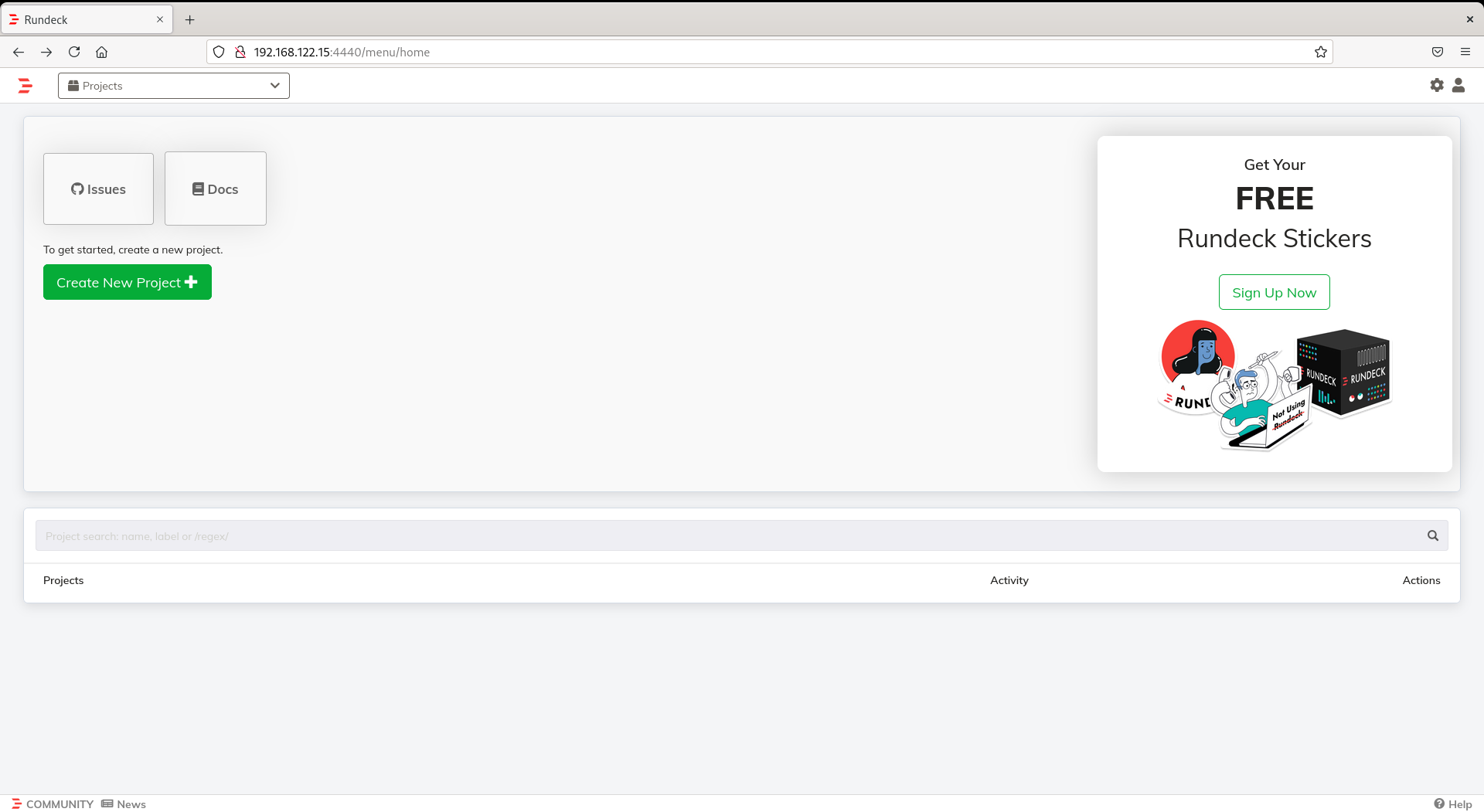
e agora acesse via browser
http://<ip ou nome >:4440
Boa dica, muito bom !
___________________________________________________________